

Document Stores
Document stores (MongoDB, CouchDB, Couchbase, Elasticsearch) persist self-describing, JSON-like documents keyed by ID. Each document can have a different shape — fields can be added or removed without a schema migration. They excel when your data is naturally hierarchical, your read pattern is 'give me the whole aggregate by ID', and your write pattern is 'replace this document'. They struggle when you need cross-document JOINs or strict referential integrity.
Foundational.
How it works
A document store is a key-value store that knows what's inside the value. Instead of treating the value as opaque bytes, the engine parses it as a structured document — typically BSON (MongoDB's binary JSON), JSON (CouchDB), or a similar format — and exposes operations to read, write, and query nested fields.
This awareness unlocks the document store's superpowers:
- Indexes on nested fields —
db.orders.createIndex({ "items.sku": 1 })indexes into the array of items. - Ad-hoc queries —
{ "user.country": "US", "total": { "$gt": 100 } }is expressible without pre-planning every query. - Atomic updates to subdocuments —
$set: { "address.city": "Lisbon" }mutates one nested field. - Flexible schema — a new field can be added to one document without altering any other.
The trade-off: no JOINs. If you need to combine data from multiple collections, you either denormalize (store the joined data inside the document), do multiple round-trips from the application, or use a $lookup aggregation stage that performs a nested-loop join in the database (slow at scale).
The core insight that drives document store design is the aggregate — a cluster of related data that the application reads and writes as a unit. An order with its line items is an aggregate. A user with their preferences and shipping addresses is an aggregate. A blog post with its tags (but not its comments, if those are paginated separately) is an aggregate.
Martin Fowler's NoSQL Distilled frames the choice cleanly:
- If your application naturally operates on aggregates, a document store removes the JOIN tax and the object-relational mismatch.
- If your application operates on relationships (find all orders across all users that contain a given SKU), a relational database is still the right tool — that's exactly what JOINs are for.
A common anti-pattern is choosing MongoDB because 'JSON is easy', then immediately needing cross-collection queries that force you into $lookup joins. $lookup works, but it's a nested-loop join — performance is O(N×M) without careful indexing. If you're doing it on every read, you've reinvented SQL poorly.
MongoDB is often called 'schemaless', but in practice every collection has an implicit schema defined by the application code. Without enforcement, a single bad deploy can write documents with the wrong field names or types, polluting the collection for years. Mature MongoDB deployments use JSON Schema validation ($jsonSchema) at the collection level — flexible where you want flexibility (new optional fields), strict where you need guarantees (required fields, type checks). Treat schemalessness as a tool for evolution, not an excuse for chaos.
Modern MongoDB (4.0+) does support multi-document ACID transactions, finally closing the gap with SQL on paper. In practice, multi-document transactions are slower, hold locks longer, and should be the exception — if you need them constantly, you've modeled your aggregates wrong.
CouchDB takes a different tack: it's multi-master with deterministic conflict resolution. Every document carries a revision ID (_rev); concurrent writes create conflicts that the application resolves with a deterministic function. This is great for offline-first sync (PouchDB on mobile syncing to CouchDB on the server) but unusual for typical CRUD apps.
Replication in MongoDB is single-primary by default (a replica set): one primary accepts writes, secondaries replicate the oplog asynchronously. Reads can go to secondaries (eventual consistency) or to the primary (strong). Read-your-writes consistency is achieved by routing the writing session's reads to the primary for a short window.
The consistency model you actually get depends on the read concern and write concern you pick per operation:
w: 1— primary acknowledged (default; can lose data on failover).w: majority— majority of replica set acknowledged (durable).readConcern: majority— read committed data that won't be rolled back.readConcern: linearizable— read after acknowledging no newer write is in flight (strongest, slowest).
Use a document store when:
- Your data is naturally an aggregate (order, user profile, blog post + comments).
- The read pattern is 'fetch this whole aggregate by ID'.
- Schemas evolve frequently and you don't want migrations to block deploys.
- The team is comfortable with eventual consistency for most reads.
- You're building content management, catalogs, or mobile-first backends.
Prefer SQL when:
- You need real JOINs across many entities (analytics, reporting).
- Strict referential integrity (foreign keys) is non-negotiable.
- Multi-entity transactions are the norm, not the exception (payments, inventory).
- The schema is genuinely relational and stable.
A useful pre-check: write down every query your app will run. If most of them are 'give me document X by ID', use a document store. If most of them are JOINs across entities, use SQL. PostgreSQL's jsonb column type is a fine compromise for apps that need both — you get SQL's JOINs and ACID, plus document-like flexibility for the parts that need it.
You're building an e-commerce catalog: thousands of products across dozens of categories, each with wildly different attributes (laptops have RAM and CPU; shoes have size and color; books have ISBN and author). What's the best data store and why?
Pick one answer.
Your team migrated from PostgreSQL to MongoDB for 'scalability', and now every read does a `$lookup` join between the `users`, `orders`, and `order_items` collections. Performance is worse than before. What's the root cause and the fix?
Pick one answer.
Which scenario is the WORST fit for a document store?
Pick one answer.
Engineering mental model
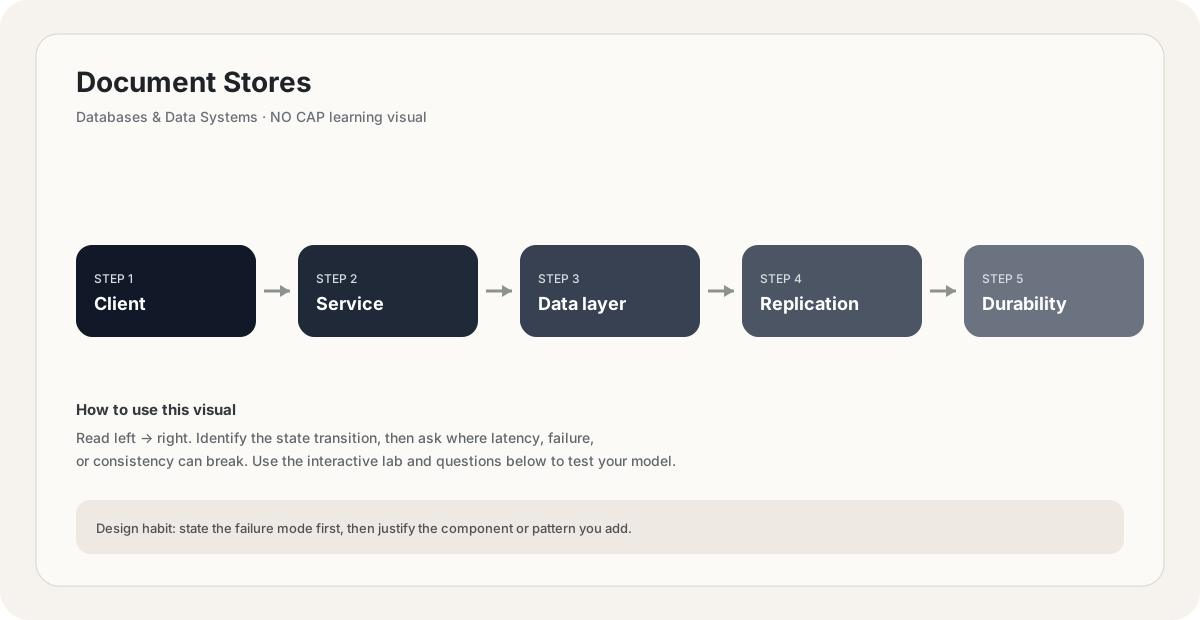
Mental model. Think of Document Stores as a deliberate boundary in a system. The boundary exists because something becomes harder to manage when everything is done in one place: latency, scale, failure isolation, consistency, cost, or team ownership. The useful question is not “what does Document Stores mean?” but “what pressure makes this boundary worth introducing, and what new failure mode does it create?”
Before choosing Document Stores, name the workload, the critical user path, the dominant bottleneck, the failure you are trying to absorb, and the trade-off you are willing to accept. If you cannot name those five things, the design is probably premature.
SELECT id, created_at
FROM records
WHERE tenant_id = ?
ORDER BY created_at DESC
LIMIT 50;

-- Ask: which index makes this query predictable at scale?Back-of-the-envelope reasoning
Numerical lens: write down traffic, payload size, read/write ratio, peak multiplier and durability target before choosing a component. The numbers should justify the architecture.
Interactive sandbox: Document Stores
Document stores trade normalization for flexibility. Predict index size for Document Stores.
Change one variable at a time. Predict the failure mode first, then move the slider and see whether your mental model matches the simplified system response.
If you are stuck on Document Stores, start by drawing the request path and marking every network hop, stateful component, queue, cache and failure boundary. Then estimate where the system will saturate.
You increase traffic by 10× in a system using Document Stores. What should you inspect first?
Pick one answer.
Which statement is the safest engineering habit when using Document Stores?
Pick one answer.
You have dashboards for traffic, latency, errors and saturation. You can change the architecture, but every change has operational cost.
Production scenario: your system uses Document Stores, traffic suddenly spikes, and p99 latency doubles. What is your first move?
Interview drill
Answer this without notes: When would you choose Document Stores, and when would you intentionally avoid it? Mention at least one bottleneck it addresses, one failure mode it introduces, and one alternative. Then quantify the workload you are designing for.
For Document Stores, start with access patterns rather than brand names. Identify the dominant reads/writes, data relationships, consistency requirements, partition key, hot keys and failure behavior before choosing a storage strategy.
Numerical sanity check
A rough capacity check: required write throughput ≈ peak writes/s × average record size. At 5,000 writes/s and 2 KB average payloads, the raw incoming data stream is about 10 MB/s before indexes, replication and overhead.
Do not optimize for a memorized definition. Reason from the workload and failure mode.
A team proposes Document Stores because it 'scales'. What workload characteristic would make that choice a poor fit?
Pick one answer.
What you gain, what you pay
- +Aggregate-oriented reads are one round trip — no JOIN tax.
- +Flexible schema supports rapid iteration — new fields don't require migrations.
- +Schema and code stay close — documents mirror the application's object model.
- +Horizontal scaling built in — MongoDB sharding by shard key scales writes.
- +Rich query language with nested field indexes, aggregation pipeline, geospatial queries.
- −No real JOINs — `$lookup` is a slow nested-loop join, not a SQL optimizer.
- −No enforced foreign keys — referential integrity is the application's problem.
- −Denormalization means updates fan out — changing a user's name means updating every order document that embedded it.
- −Multi-document transactions exist but are slower than SQL transactions.
- −Schema flexibility can mask data quality issues — bad deploys write malformed documents silently.
- −Larger storage footprint — denormalized data is repeated.
How this breaks in production
- Unbounded document growth — embedding comments in a blog post document eventually hits MongoDB's 16MB document cap.
- Massive denormalization write amplification — updating a shared piece of data requires updating every document that embedded it.
- Schema drift — different application versions write different shapes; queries return surprising results.
- Hot shard — bad shard key sends all traffic to one shard; e.g., shard by `created_at` writes always to the latest shard.
- `$lookup` everywhere — using MongoDB like SQL and paying the JOIN cost without SQL's optimizer.
- Lost writes on failover — default `w: 1` means a primary crash before replication loses acknowledged writes.
Don't fall into these traps
- •Choosing MongoDB 'because JSON' without modeling aggregates — then needing JOINs that don't exist.
- •Embedding unbounded arrays (comments, activity feed) into parent documents — grows documents past useful size.
- •Not setting JSON Schema validation — flexibility becomes silent corruption.
- •Defaulting to `w: 1` writes — acceptable for some data, catastrophic for data you can't lose.
- •Sharding by a low-cardinality key (country, status) — creates uneven shards and hot partitions.
- •Treating MongoDB like SQL — assuming transactions, JOINs, and foreign keys just work.
Real systems using this
How real systems implement this
- eBay — Uses MongoDB for catalog search — products with wildly varying attributes fit the document model. Catalog data is read-heavy and accessed by product ID, a perfect document workload.
- Uber — Originally used MongoDB for trip data and document storage; later moved much of it to Schemaless (their custom doc store on MySQL) for tighter control over sharding and consistency. A reminder that 'the right store' evolves with scale.
- Couchbase at LinkedIn — LinkedIn uses Couchbase as a key-value/document store for high-throughput profile and messaging data; Couchbase's memcached-compatible caching layer plus document model fits their read-heavy workload.
- Elasticsearch at Netflix — Netflix runs Elasticsearch clusters for log search and operational analytics — documents are semi-structured log events, indexed for full-text and structured search.
Practice saying it out loud
- Q1When would you choose MongoDB over PostgreSQL, and what's the most common mistake teams make when migrating?
- Q2Design the data model for a blog with posts, comments, and tags in MongoDB. What do you embed vs. reference, and why?
- Q3Your MongoDB collection has documents growing past 16MB. What's wrong and how do you fix it?
- Q4Explain the difference between `w: 1`, `w: majority`, and `readConcern: linearizable` in MongoDB. When would you use each?
- Q5CouchDB and MongoDB both store JSON documents but take very different approaches to consistency and conflict. Compare them.
Further reading & references
Core explanations are original NO CAP material. External references are provided for deeper study and standards.
What next?
Mark as understood once the mental model clicks.
Next recommended
Key-Value Stores