

Object Storage
Object storage is a storage model optimized for files (objects) of any size, accessed by a flat key (the object name) over HTTP. It is cheap, durable (typically 11 nines — once written, your data is essentially never lost), infinitely scalable (no capacity planning), and accessed via a simple REST API. S3 is the canonical example; GCS, Azure Blob, R2, and MinIO all follow the same model. It is the default home for files, images, videos, backups, logs, and any data that does not need block-level random access.
How it works
An object store holds objects (files of any size, from a few bytes to 5 TB) organized into buckets (top-level containers). Each object is addressed by a flat key: s3://my-bucket/users/42/avatar.png. There is no hierarchy — slashes in keys are just characters, not directories (though most tools pretend they are for convenience).
Access is via HTTP REST: PUT to upload, GET to download, DELETE to remove, HEAD for metadata. There is no open, seek, read, write, close — you write the whole object at once (or in parts for large files via multipart upload), and you read the whole object (or a byte range). You cannot edit 4 bytes in the middle of a 1 GB object. To change it, you overwrite the whole thing.
This constraint is the source of object storage's superpower: because objects are immutable once written, replication, durability, and caching become tractable at internet scale. S3 famously offers 99.999999999% (11 nines) durability — once you PUT an object successfully, it is essentially never lost.
Durability vs availability — know the difference:
Object storage markets durability (will my data still be there in 10 years?) and availability (can I read it right now?). These are different.
- Durability: S3 standard is 11 nines — over 10 years, you'd expect to lose one object per 10 million stored. Achieved by replicating each object across multiple facilities and checksumming silently in the background. Your data is essentially permanent.
- Availability: S3 standard is 99.99% — about 50 minutes of downtime per year. Much lower than durability, because outages happen at the facility level even though your data survives.
This is why you should never confuse the two: 'my data is 11-nines durable' does not mean 'I can always read it.' For very rare access (backups, compliance archives), use cheaper tiers with lower availability (S3 Glacier: 99.99% availability, minutes-to-hours retrieval latency) — the durability is still 11 nines, you just can't read it instantly.
The other famous distinction is read-after-write consistency. Modern S3 (since late 2020) is strongly consistent: a successful PUT is immediately visible to a subsequent GET. Older S3 was eventually consistent — a read right after a write could return the old version. If you're designing for older storage systems, assume eventual consistency for overwrites and deletes; verify before you rely on read-after-write.
Pre-signed URLs — the key to scalable uploads and downloads:
Naive pattern: the client uploads a file to your API, your API streams it to S3. This works, but your API server pays for every byte — bandwidth, memory, CPU — and becomes a bottleneck for large files.
Better pattern: the client asks your API for a pre-signed URL — a time-limited, signed URL that grants the bearer permission to upload directly to S3 (or download from it) for, say, the next 5 minutes. The client uploads directly to S3, bypassing your API entirely. Your API then gets a notification (S3 event) that the upload completed and records the metadata in the database.
This pattern is huge for scalable systems:
- Your API never sees the file bytes — bandwidth and memory stay low.
- Uploads scale with S3's capacity, not your API's.
- Downloads can be served directly from S3 (or via a CDN in front of S3), again bypassing your API.
- Permissions are scoped per-object and per-time-window — minimal blast radius if a URL leaks.
For public-read content (e.g., profile avatars), put a CDN in front of S3 and serve directly. For private content (e.g., medical records), pre-signed URLs with short TTLs let specific users download specific objects for a limited time.
S3 and equivalents offer tiered storage classes by access pattern. Standard for hot data, Infrequent Access (IA) for occasional reads, Glacier for archival. A 1 TB backup that's read once a year costs ~$23/month on Standard but ~$4/month on Glacier. Lifecycle rules automatically move objects between tiers based on age: 'move to IA after 30 days, to Glacier after 90, delete after 7 years.' This is the single biggest lever on storage cost at scale — most teams overpay by storing cold data on Standard.
When NOT to use object storage:
Object storage is wrong when you need:
- Random access within a file — object storage only lets you overwrite the whole object or read byte ranges. You can't update 4 bytes in the middle. Use block storage or a database.
- Transactional updates — no ACID, no locks, no compare-and-swap on the object's bytes. Use a database.
- Low-latency access — every request is an HTTP round trip (tens of ms). For sub-millisecond access, use local disk or a database with caching.
- Querying the data — object storage has no indexes, no SQL, no filtering by content. (Athena and similar tools scan all objects to query them — slow and expensive at scale. For queryable data, use a database or a data warehouse.)
- Streaming with seeking — you can byte-range GET, but you can't efficiently seek within a compressed file. For media that needs adaptive bitrate streaming, use specialized formats (HLS, DASH) that pre-segment the content.
- Strong consistency on deletes and overwrites — verify your specific provider's guarantees. Some legacy systems are still eventually consistent on these operations.
The right question: 'Do I need random access, low latency, or transactions?' If yes, don't use object storage. If you need cheap, durable, write-once-read-many storage of named blobs — object storage is the answer.
Your app currently stores user-uploaded profile pictures as BLOBs in a Postgres column. As the user base grows, the database is slowing down and backups are taking hours. What is the right architectural change?
Pick one answer.
Your users upload 2 GB videos. Your API currently receives the upload and streams it to S3, but the API server's network and memory are saturated. What is the better pattern?
Pick one answer.
S3 advertises 11 nines (99.999999999%) of durability. Which of these statements correctly reflects what that means?
Pick one answer.
Engineering mental model
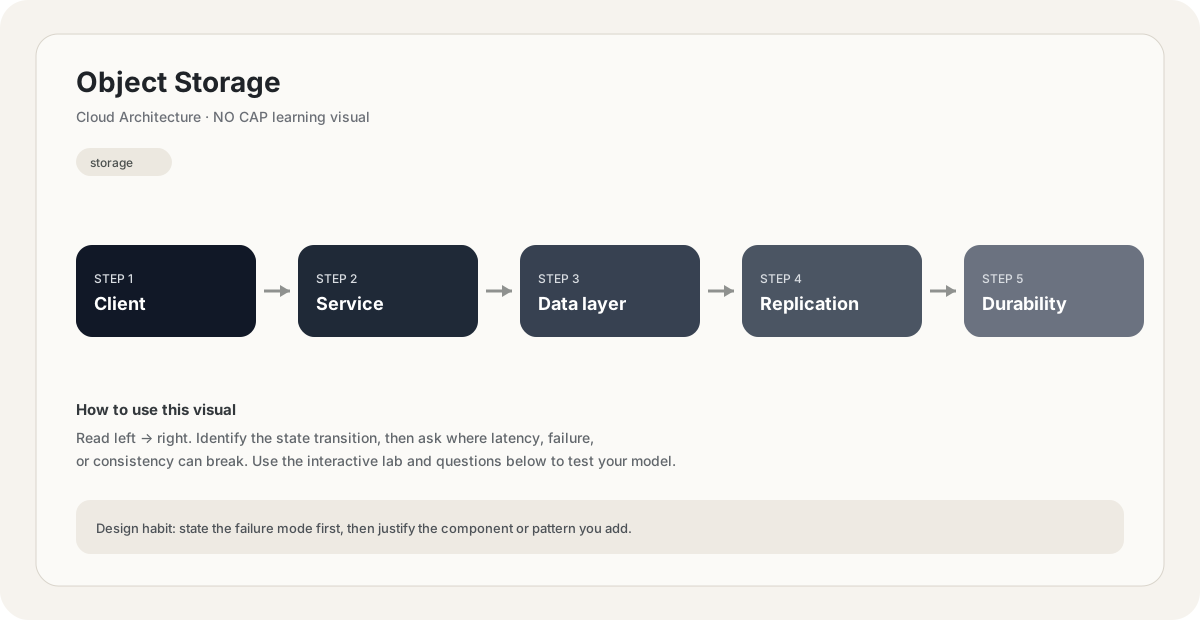
Mental model. Think of Object Storage as a deliberate boundary in a system. The boundary exists because something becomes harder to manage when everything is done in one place: latency, scale, failure isolation, consistency, cost, or team ownership. The useful question is not “what does Object Storage mean?” but “what pressure makes this boundary worth introducing, and what new failure mode does it create?”
Before choosing Object Storage, name the workload, the critical user path, the dominant bottleneck, the failure you are trying to absorb, and the trade-off you are willing to accept. If you cannot name those five things, the design is probably premature.
// Pseudocode
request = receive()
result = object_storage(request)
return result

// Production questions:
// 1. What happens on timeout?
// 2. Can this operation be retried safely?
// 3. What is the bottleneck?Back-of-the-envelope reasoning
Example: 5M writes/day × 1 KB/row ≈ 5 GB/day of logical data. Add indexes, replication, backups and growth headroom before sizing a real store.
Interactive sandbox: Object Storage
Object storage scales by key count. Predict metadata overhead for Object Storage.
Change one variable at a time. Predict the failure mode first, then move the slider and see whether your mental model matches the simplified system response.
If you are stuck on Object Storage, start by drawing the request path and marking every network hop, stateful component, queue, cache and failure boundary. Then estimate where the system will saturate.
You increase traffic by 10× in a system using Object Storage. What should you inspect first?
Pick one answer.
Which statement is the safest engineering habit when using Object Storage?
Pick one answer.
You have dashboards for traffic, latency, errors and saturation. You can change the architecture, but every change has operational cost.
Production scenario: your system uses Object Storage, traffic suddenly spikes, and p99 latency doubles. What is your first move?
Interview drill
Answer this without notes: When would you choose Object Storage, and when would you intentionally avoid it? Mention at least one bottleneck it addresses, one failure mode it introduces, and one alternative. Then quantify the workload you are designing for.
A useful engineering lens for Object Storage: define the problem it solves, the simpler design that fails first, the constraint that forces you to introduce this concept, and the new failure modes the concept creates.
Numerical sanity check
Back-of-the-envelope reasoning beats fake precision. State your traffic, payload, concurrency and growth assumptions explicitly, then calculate enough to know whether the current architecture is orders of magnitude away from the target.
Do not optimize for a memorized definition. Reason from the workload and failure mode.
Imagine the simplest version of a system using Object Storage. What breaks first as traffic grows by 10×, and what would you change before reaching 100×?
Pick one answer.
What you gain, what you pay
- +Effectively unlimited capacity — no provisioning, no capacity planning.
- +11 nines of durability — data is essentially never lost to hardware failure.
- +Cheap — order of magnitude cheaper than block storage or database storage.
- +HTTP API — accessible from anywhere, language-agnostic, perfect for direct client access via pre-signed URLs.
- +Decoupled from compute — any application instance can read or write any object.
- +Tiered storage classes let you pay only for hot data; cold data goes to Glacier.
- −Whole-object writes — cannot edit a few bytes; must overwrite the whole object.
- −HTTP latency per request — tens of ms per GET/PUT, not suitable for low-latency random access.
- −No transactions, no ACID, no compare-and-swap on object content.
- −No native indexing or querying — searching requires scanning (slow, expensive) or an external index.
- −Eventual consistency on overwrites/deletes in older or non-standard providers — verify before relying on read-after-write.
How this breaks in production
- Accidental deletion — a misconfigured lifecycle rule or a buggy script can delete millions of objects. Enable versioning and MFA delete on critical buckets.
- Bucket misconfigured as public — leaking sensitive data to the internet (many high-profile breaches started this way).
- Pre-signed URL leaked with too-long TTL — unauthorized access within the window.
- Hot-key contention — too many simultaneous GETs on one object can hit per-object rate limits on the underlying store. Mitigate with CDN caching.
- Lifecycle rule mistakes — moving data to Glacier that's still hot, paying retrieval fees; or deleting data prematurely that compliance required.
Don't fall into these traps
- •Storing BLOBs in a relational database instead of object storage — bloats the DB and kills performance.
- •Streaming large uploads through the API instead of using pre-signed URLs for direct client-to-S3 upload.
- •Treating durability as availability — your data is safe but you may still be unable to read it during an outage.
- •Forgetting to enable versioning — accidental overwrites and deletes are unrecoverable without it.
- •Serving private content publicly — pre-signed URLs with short TTLs are the right pattern for restricted access.
- •Skipping lifecycle rules — paying Standard prices for data that hasn't been read in years.
Real systems using this
How real systems implement this
- AWS S3 — The original and most widely used object store. Buckets and objects accessed via REST API or SDK. Features versioning, lifecycle rules, storage classes (Standard, IA, Glacier), event notifications to Lambda/SQS/SNS, and Cross-Region Replication. Serves as the backbone of countless AWS-based data pipelines.
- Cloudflare R2 — S3-compatible object storage with a key differentiator: zero egress fees. Designed for teams that read their stored data frequently (CDN back-ends, ML inference) and want predictable cost. Same API as S3 — drop-in replacement for many use cases.
- Netflix Amazon S3 + Open Connect — Netflix stores all of its video content in S3, then pre-positions popular titles onto Open Connect Appliances (OCAs) inside ISPs' networks. S3 is the source of truth and long-tail storage; OCAs are the edge cache for hot content. The combination is what makes Netflix's streaming economics work.
Practice saying it out loud
- Q1Design a scalable image-upload system. Where do the bytes live, and how do clients upload and download them?
- Q2Compare object storage vs block storage vs a relational database for storing user files. When would you pick each?
- Q3S3 advertises 11 nines of durability. Does that mean you don't need backups? Defend your answer.
- Q4How would you serve private (auth-gated) files from object storage without exposing them publicly?
- Q5Your app stores 1 TB of monthly log data that's read once a quarter. How do you minimize storage cost?
Further reading & references
Core explanations are original NO CAP material. External references are provided for deeper study and standards.
What next?
Mark as understood once the mental model clicks.
Next recommended
Content Delivery Networks